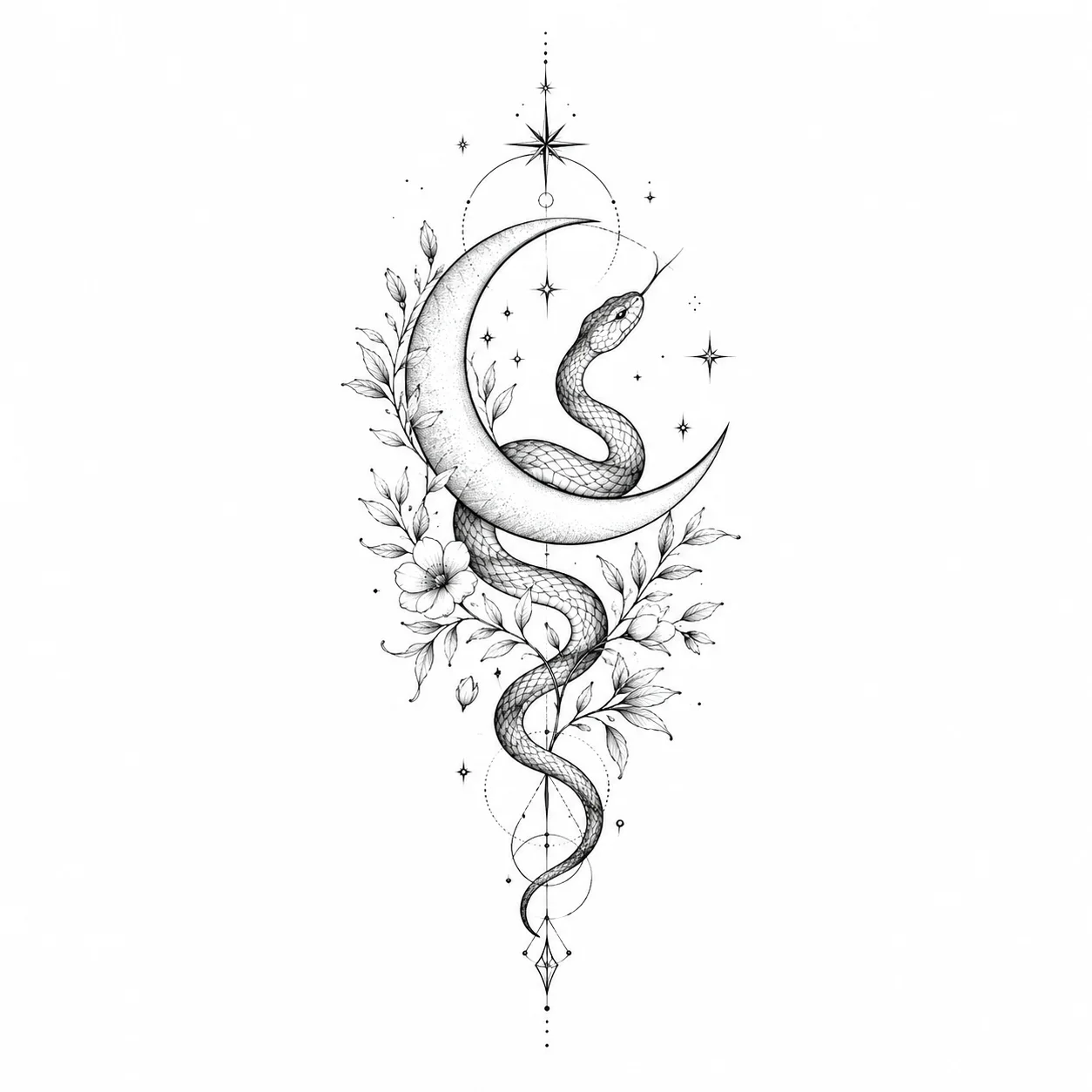
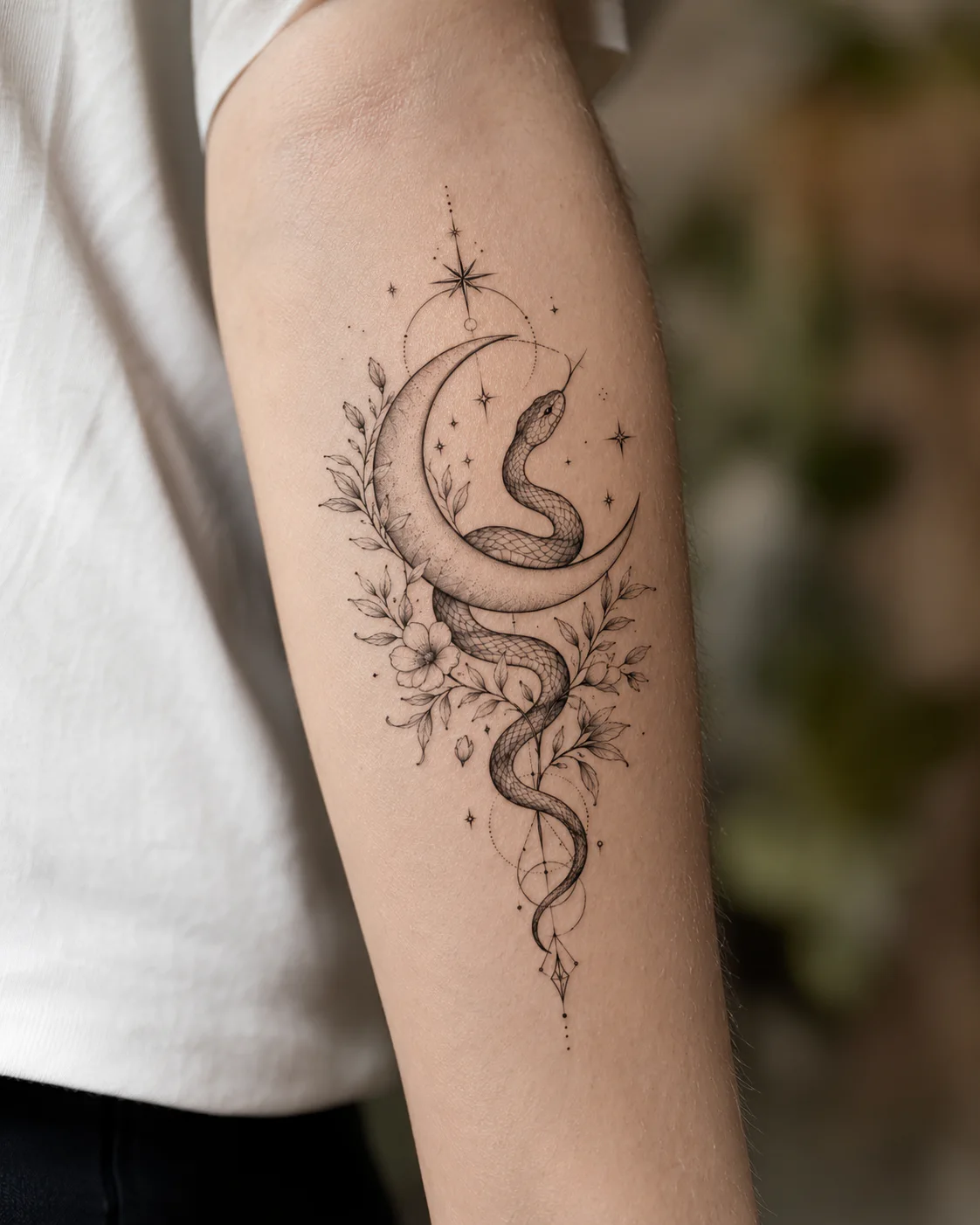
✨ Free tool · No signup

Tattoo Visualizer

A tattoo visualizer lets you see exactly how a tattoo will look on your skin before you commit. Upload your photo, add any design, then resize, rotate and place it for a realistic preview.

Try-on

Upload a design, then place it on skin.

Tattoo design to upload
1. Tattoo image
Tattoo previewed on skin
2. Skin preview
Place it

Start preview

Drop or upload your tattoo design

Generate a tattoo design for free

How the tattoo visualizer works

01

Add the tattoo design

Upload any tattoo image you like, a saved reference, an artist's flash, or a design you generated for free.

02

Upload your skin photo

Drop in a clear photo of the body part, forearm, wrist, chest, calf, or snap one with your camera.

03

Place and preview

Drag to position, then adjust size, rotation and opacity until the tattoo sits naturally on your skin.

Why preview a tattoo before getting it?

Most tattoo regret comes down to size and placement, not the artwork itself. A design that looks perfect on a screen can read too small on a forearm or too busy on a wrist. Seeing it on your own skin first, at the real scale and angle, is the fastest way to catch that before it is permanent.

The visualizer also makes it easier to brief an artist. Once you are happy with the size and position, you have a clear reference image to bring to your appointment instead of trying to describe it in words.

Tattoo visualizer FAQ

What is a tattoo visualizer?+

A tattoo visualizer is a tool that overlays a tattoo design onto a photo of your own skin so you can preview the size, placement and angle before getting inked. It removes the guesswork that causes regret, especially around scale and body position.

Is the tattoo visualizer free?+

Yes. You can upload your photo, add a design and preview it on your skin for free, with no signup required. Generating brand new AI tattoo designs is free too after a quick signup.

Can I try a tattoo on my own photo?+

Yes. Upload a clear photo of the body area, or use your camera, then position the design on top. The closer your photo angle is to where the tattoo will sit, the more realistic the preview looks.

Do I need a design already, or can I make one?+

Both work. Upload a design you already have, or generate an AI tattoo design for free first and then visualize it on your skin in the same flow.

How do I get the most realistic preview?+

Use good lighting, keep the skin area flat to the camera, and match the design size to real inches for that placement. Lowering the opacity slightly helps the tattoo blend into the skin tone.

✨ Free AI tattoo generator

No design yet? Generate one free, then try it on

Describe your idea, generate it in any style, and preview it on your own skin before the needle.

Generate for free

Free to try · Preview on your own skin