
Tattoo Size Guide: Match Detail to Real Scale
Planning · July 16, 2026
The right tattoo size is the smallest physical size at which the important shapes, gaps and lettering remain clear on the chosen body area. There is no universal inches chart that can decide this from subject alone. Start with the design’s most delicate feature, compare it at real scale, and use the tattoo size calculator to prepare dimensions and a planning brief for your artist.
TL;DR
- •Measure width and height, not vague labels such as small or medium.
- •Let the smallest important feature determine whether the design needs more room.
- •Judge the composition on the actual body area because curvature and available shape matter.
- •Print or display the design at intended size instead of evaluating it only while zoomed in.
- •Treat calculator scores as planning prompts and let the chosen artist set the executable minimum.
Start with dimensions, not size labels
One person's small tattoo may be another studio's medium tattoo. Give the artist a width and height in inches or centimeters, the exact body area, and whether the design wraps. A 10 cm vertical design and a 10 cm circular design occupy different surfaces and cannot hold detail in the same way.
Use the smallest important feature as the test
Do not size the tattoo from the outer silhouette alone. Find the smallest feature that carries meaning: the opening inside a letter, separation between two petals, an eye in a portrait, or negative space inside a geometric repeat. Reduce the design to its intended size. If that feature closes, merges or disappears, simplify it or enlarge the composition.
| Design type | Feature to inspect | Better response when cramped |
|---|---|---|
| Lettering | Counters, joins and spaces | Open the spacing or choose simpler letterforms |
| Portrait | Eyes, mouth and value separation | Increase size or remove minor texture |
| Floral | Petal overlap and leaf gaps | Reduce petals or strengthen the silhouette |
| Geometric | Repeated gaps and alignment | Use fewer repeats at a larger interval |
| Traditional | Main silhouette and skin breaks | Remove secondary objects before shrinking |
Match the composition to the body area
Placement is not a final label added after drawing. A forearm often favors a vertical or narrow composition; a shoulder asks the design to cooperate with a rounded surface; a chest or back can support a wider relationship between elements. Photograph or trace the available area and compare the design inside that shape. The tattoo visualizer can help compare visible scale, but a flat photo still cannot reproduce every curve or movement of the body.
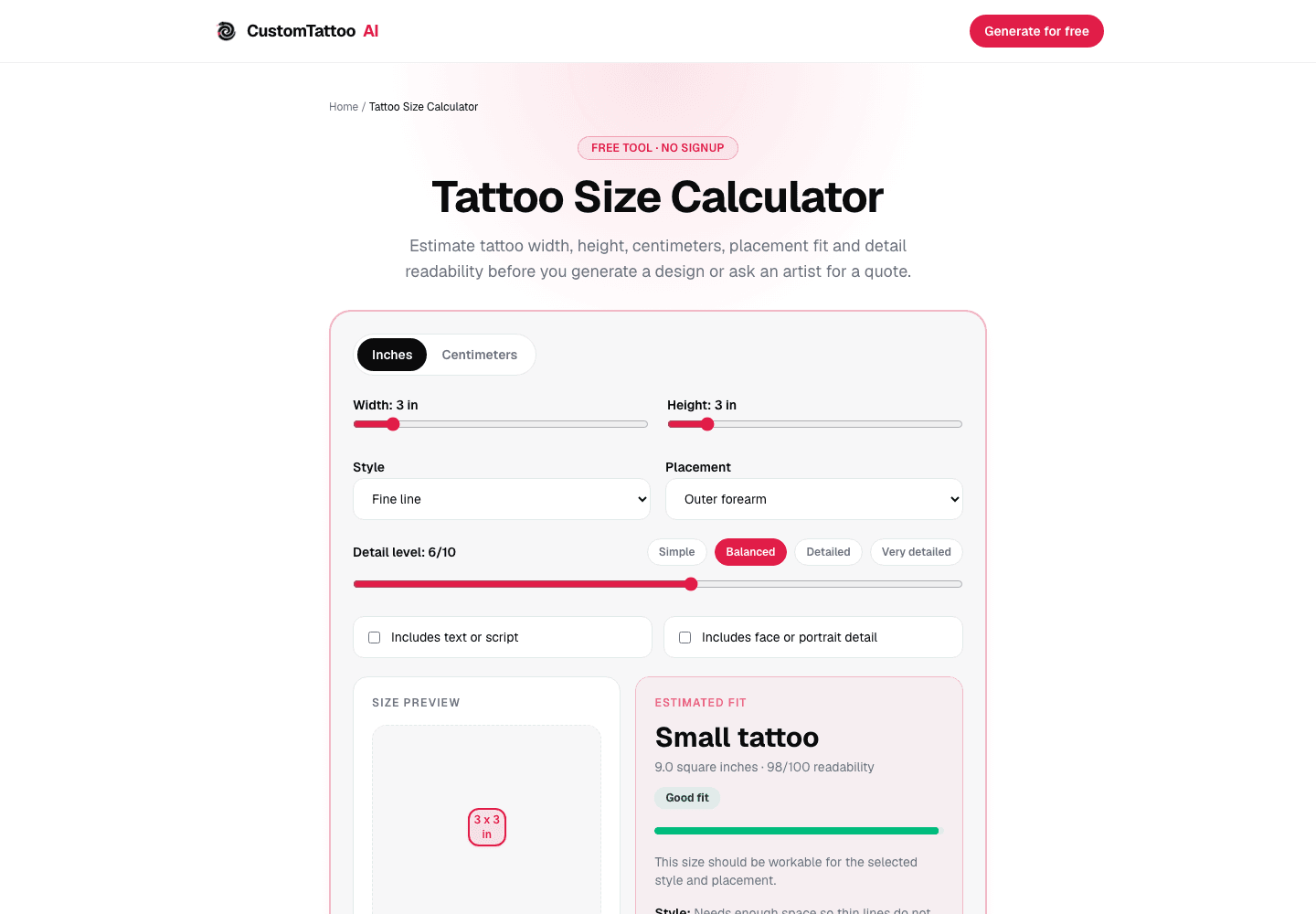
Tattoo size calculator
Compare the design at a real width and height
Set the body area, style, detail and dimensions, then copy a concise brief for your artist.
✨ Plan the tattoo sizeFree planning tool · Result is a heuristic, not an artist approval
Evaluate the design at real scale
Export the concept and place it on a page at the intended dimensions. Print at 100%, cut around the outer shape and hold the paper against the body area. View it from normal conversation distance, then inspect it close up. This catches two different failures: a silhouette that does not read from a distance and fine details that collide at actual size.
What the size calculator actually estimates
The CustomTattoo AI calculator combines dimensions, selected style, placement, detail level, text and portrait options into an estimated fit score. Those weights are product heuristics created to surface risky combinations, such as dense detail in a small area. They are not clinical data, an industry standard or a guarantee that a tattoo will age a certain way. Use the result to ask a better question, then follow the artist who will execute the work.
Send a brief the artist can answer
Include the subject, style, exact body area, approximate width and height, whether it contains text or facial detail, and one clean reference. Ask: what is the smallest size at which you would execute this design without removing its essential features? That gives the artist room to adjust line weight, spacing and composition instead of approving an arbitrary category.
Useful next guides
Tattoo Visualizer Guide
Compare scale and orientation on your own photo.
AI Tattoo Generator Guide
Write a design brief that includes physical constraints.
How to Make a Tattoo Stencil
Print the chosen design at a calibrated size.
What size should my tattoo be?+
Use the smallest size that preserves every essential shape and gap on the chosen body area. Give your artist dimensions and the design rather than relying on small, medium or large.
Can a detailed tattoo be small?+
Only if the detail remains separable at real size and suits the artist's technique. Otherwise increase the dimensions or remove secondary detail.
Is the calculator readability score a guarantee?+
No. It is a planning heuristic that flags combinations worth reconsidering. The executing artist makes the final size and line decisions.
Sources
- CustomTattoo AI: working tattoo size calculator · checked July 16, 2026
- Monolith Studio: lettering composition, spacing and body curvature · checked July 16, 2026
- Tattooed.co: artist adaptation of lettering to scale and placement · checked July 16, 2026
Keep reading
Tattoo Visualizer Guide: Test Size and Placement
Use a tattoo visualizer to upload a design and body photo, then compare scale, placement, rotation and visibility before speaking with an artist.
AI Tattoo Generator Guide: Prompt to Artist Brief
Use an AI tattoo generator to explore a subject, style, placement and detail level, then turn the strongest result into an artist-ready brief.
How to Make a Tattoo Stencil From an Image
Make a tattoo stencil from an image: import, simplify edges, remove specks, edit lines, mirror once, set real print size and test the layout.